Phone controls for a Samsung TV
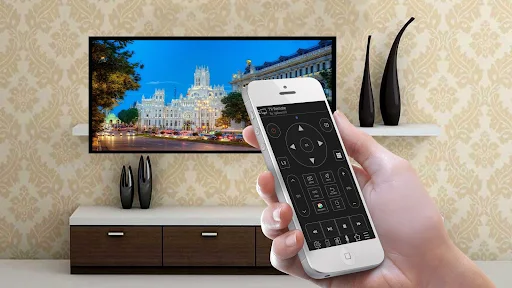
TV Remote for Samsung turns an Android phone into a controller for compatible Samsung televisions. It suits people who want to use a phone instead of a physical remote, and those who want to send media from the phone to the TV. Spikes Labs publishes the app, which is listed in Video Players & Editors. It has a 3.78 rating from 25,192 ratings and more than 5 million installs.
Connection is the main condition
The app can communicate over home Wi-Fi or through an infrared blaster built into the phone. For Wi-Fi control, the TV and phone need to be on the same network, and the TV must approve the connection. Wi-Fi commands cannot turn on a TV that is switched off. Infrared control depends on the phone having an IR blaster, so it is not an option for every device. These requirements matter: the app's usefulness depends on the TV, phone and network working together.
More than basic buttons
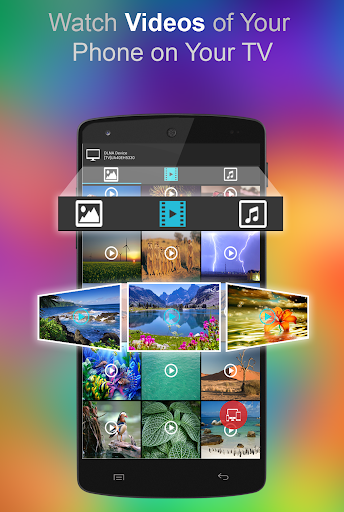
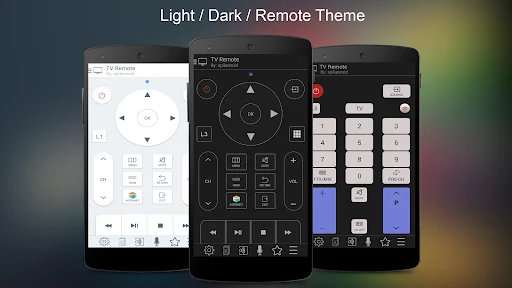
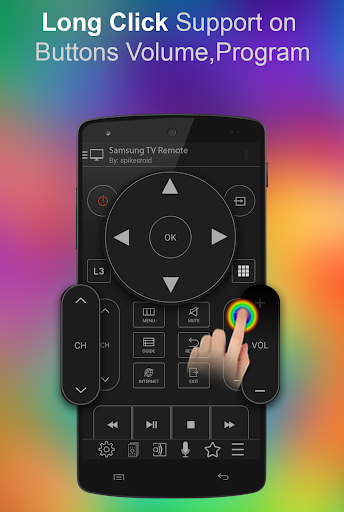
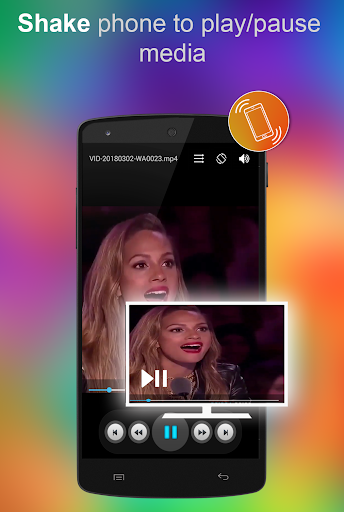
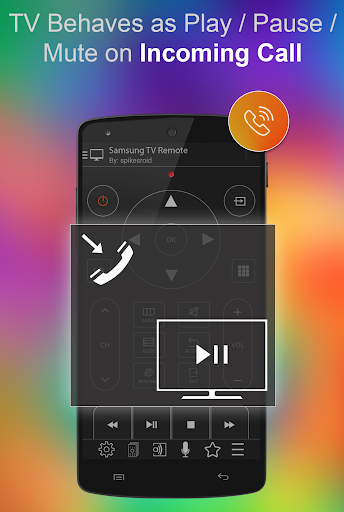
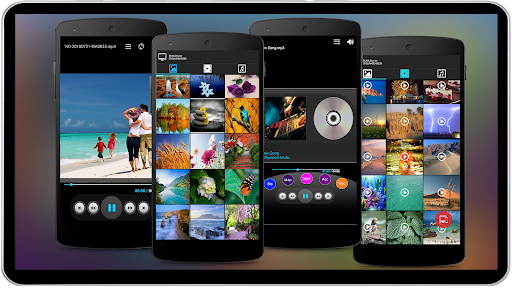
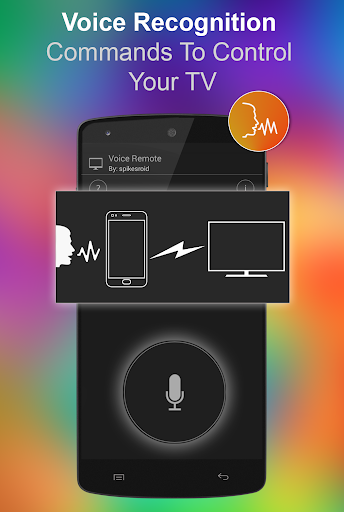
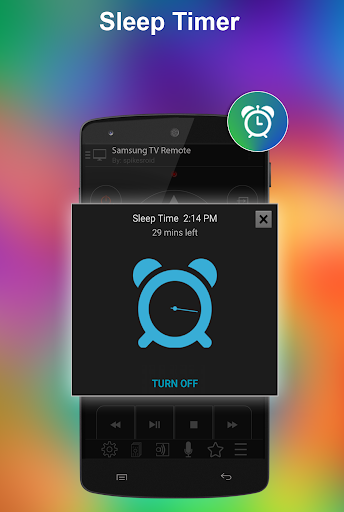
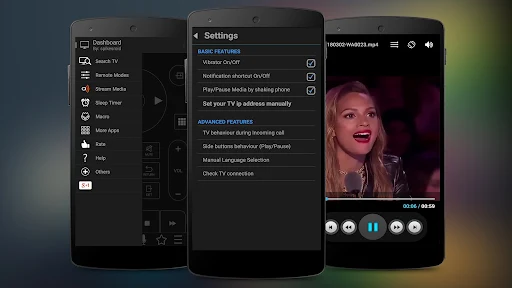
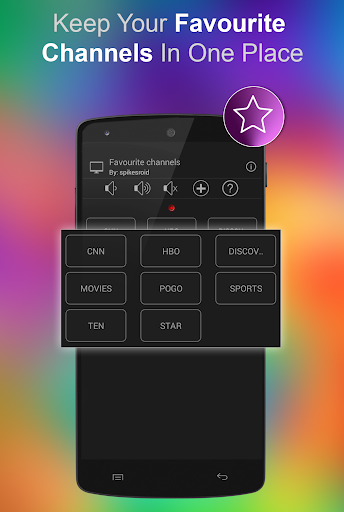
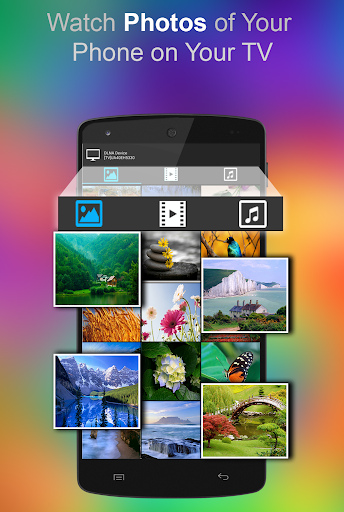
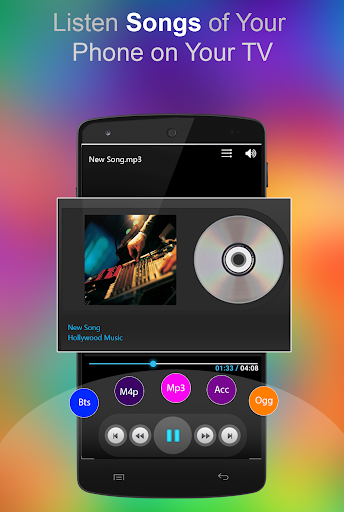
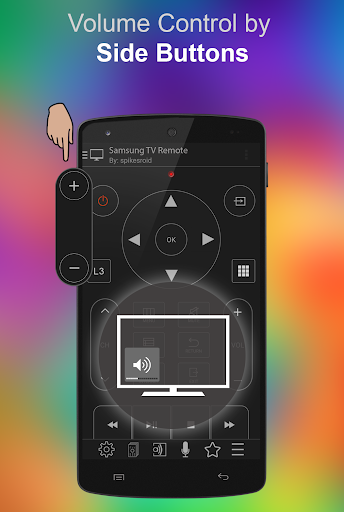
Alongside remote controls, the feature set includes voice commands, text entry, favourite channels and custom button layouts. It can also send photos, audio and video from the phone to the TV, and includes media playback and a sleep timer. Some controls can be triggered by shaking the phone or using its side buttons. That breadth may appeal to people who want several TV-related tools in one app, though anyone seeking only a simple remote may not need the extras.
A mixed overall signal
The rating points to a useful app for many users, but not one that works equally well in every setup. Its connection methods and added controls offer flexibility; the need for compatible hardware, a suitable network and TV approval creates potential friction. The broad install count shows substantial uptake, while the rating leaves room for differing experiences. Before relying on it as a replacement remote, check whether the phone and television meet the requirements for the control method you plan to use.