A player for more than local video
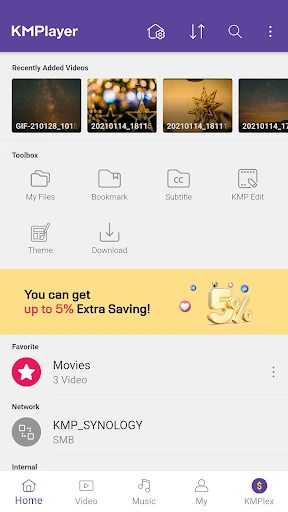
KMPlayer - All Video Player is a media player for Android that handles video, music and subtitle files. It suits people who want playback controls beyond the basics, as well as those who use network shares, cloud storage or Chromecast to reach their media. The app is published by PANDORA.TV.
Playback and control options
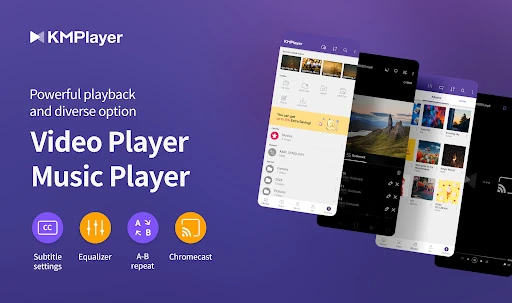
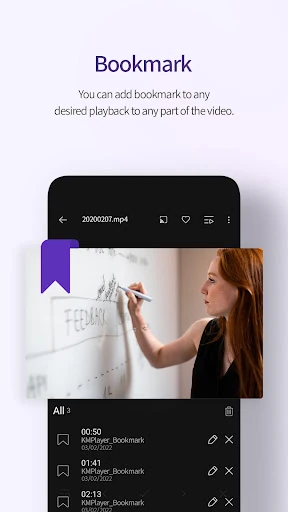
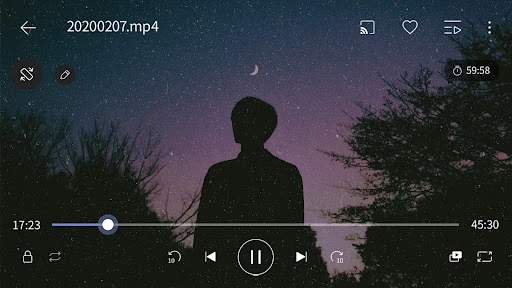
Alongside common video and audio formats, KMPlayer offers subtitle adjustments for appearance and placement, playback-speed controls, bookmarks and repeat playback for a selected section. You can also adjust picture settings such as brightness and saturation, and use separate equalizer settings for music and video. The range is useful for tailoring playback, though people looking for a simple player may not need all of these controls.
Ways to reach your media
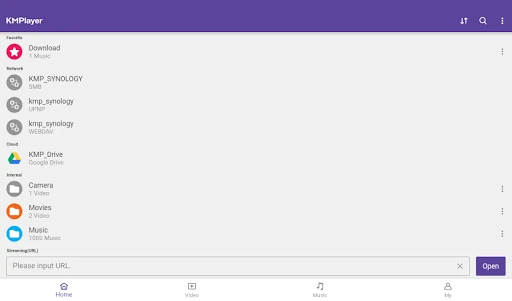
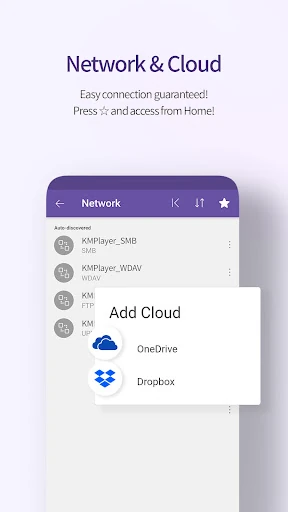
Playback is not limited to files stored on the device: the listed options include URLs, FTP, UPnP, SMB and WebDAV connections, plus Dropbox and OneDrive. Chromecast support lets users send video to a compatible television. These features make the app a better fit for varied media libraries and setups than for someone who only needs to open an occasional clip.
Reception and paid extras
KMPlayer has a 4.14 rating from about 389,000 ratings and more than 10 million installs. That points to broadly positive reception at scale, while leaving room for differing experiences. Some additional tools are part of KMPlayer VIP, an in-app subscription: these include video and audio cutting, GIF creation, MP3 conversion and a torrent client. The free player and subscription extras are therefore worth considering separately when deciding whether its feature set fits your needs.