Opens the official Google Play page for this app, where you can read the reviews yourself, then download and install it. This site does not host any files.
Screenshots


Opens the official Google Play page for this app, where you can read the reviews yourself, then download and install it. This site does not host any files.
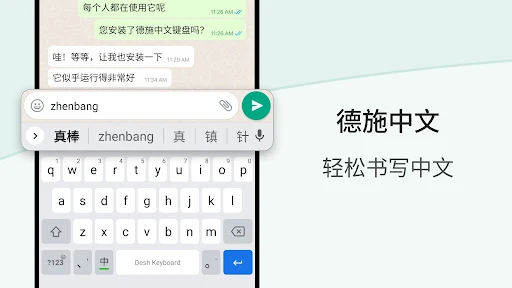
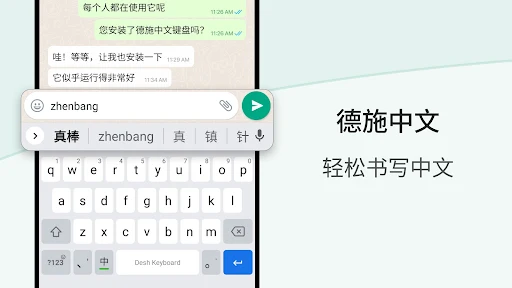
Chinese Keyboard - Pinyin is an Android keyboard for people who want to write Simplified Chinese using English-letter phonetics. Type a sound in Latin characters, then choose from Chinese word suggestions. It is aimed at Chinese speakers who prefer this input method, as well as people learning or using Chinese in messaging and other apps. The developer is Desh Global.
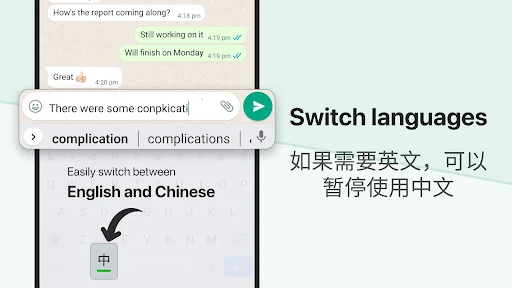
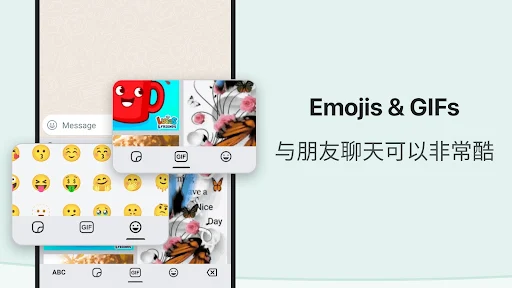
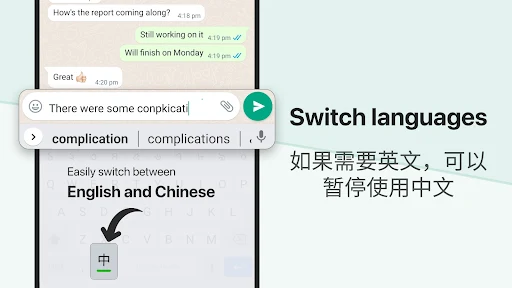
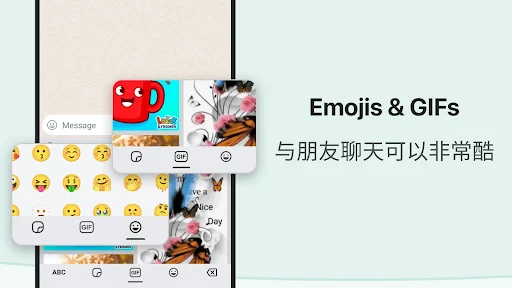
The keyboard can switch between Chinese and English, and offers word suggestions in both languages. An emoji bar provides quick access to emojis, including skin-tone choices where available. Users can also browse stickers stored on their phone and send them in messaging apps. These extras make it useful for casual conversations, though they are separate from the core job of entering Chinese text.
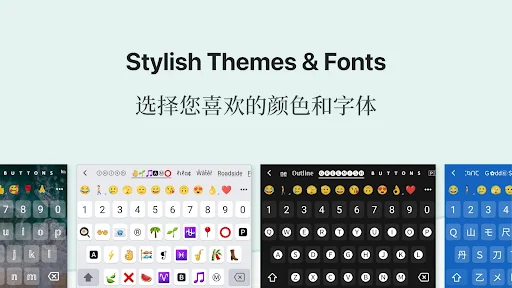
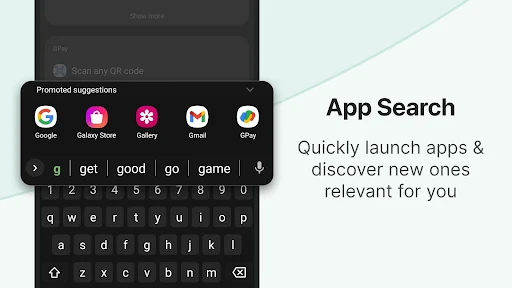
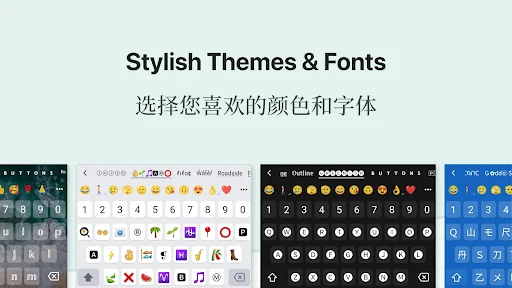
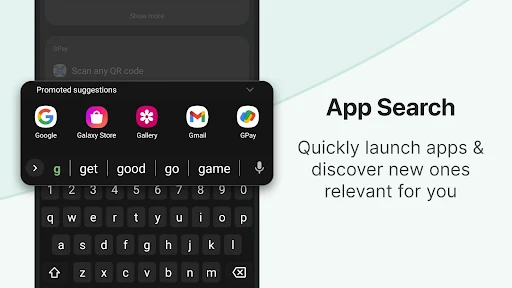
Keyboard themes can be changed, including by using a personal photo. The app also includes a tool for searching installed apps and discovering related apps. As with any downloaded keyboard, Android may show a standard warning when the keyboard is enabled. Sticker browsing requires storage access. Those considering a keyboard app should review its requested access and decide whether the extra features are worth enabling.
Chinese Keyboard - Pinyin has a 4.52 rating from 12,858 ratings and more than 1,000,000 installs. That indicates a substantial audience and a strong overall score, but the number alone cannot show which features people value most or what causes individual frustrations. The clearest fit is someone seeking phonetic Chinese input alongside ordinary English typing, with themes, stickers and emoji controls available as optional additions.